-
Landlord app: your tenant submits the meter readings, your finances stay private
How to invite
- Open «Utilities» and tap «Tenant» on the flat's card.
- Tap «Create» and send the tenant the code or the link — it can open the Telegram or WhatsApp bot straight away.
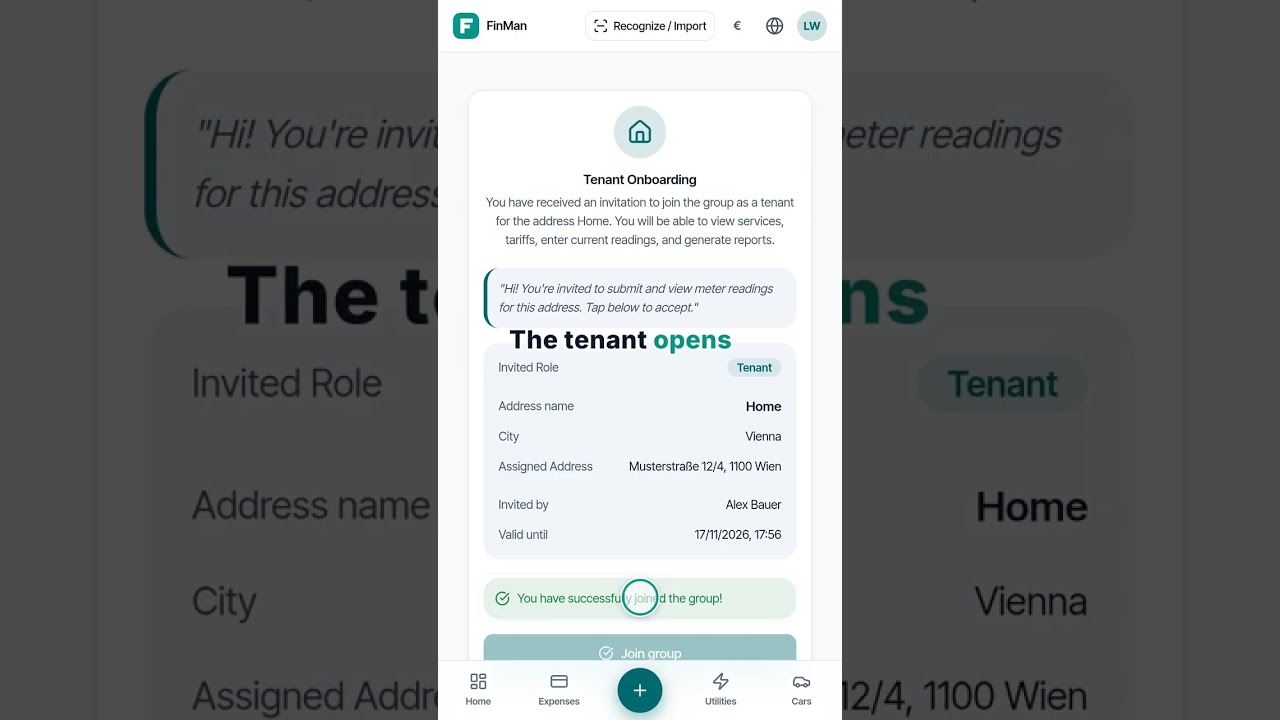
- The tenant opens the link and joins.
What you get
- The tenant's «Utilities» shows only your flat: they see neither your other addresses nor your spending.
- They enter readings from a photo or by hand — in the app or through the bot — and you see them right away.
- Only you change tariffs and services; the tenant can edit only their own readings.
Good to know
- The invitation is created on the web or in the app, and it can be accepted in the bot too.